If you run a WordPress website and embed videos, PDFs, social feeds, or any outside content on your pages, you have probably come across EmbedPress. The free version already covers basic embedding for over 250 sources. But many site owners eventually ask the same question. What exactly do you get with EmbedPress PRO, and is the upgrade worth it?
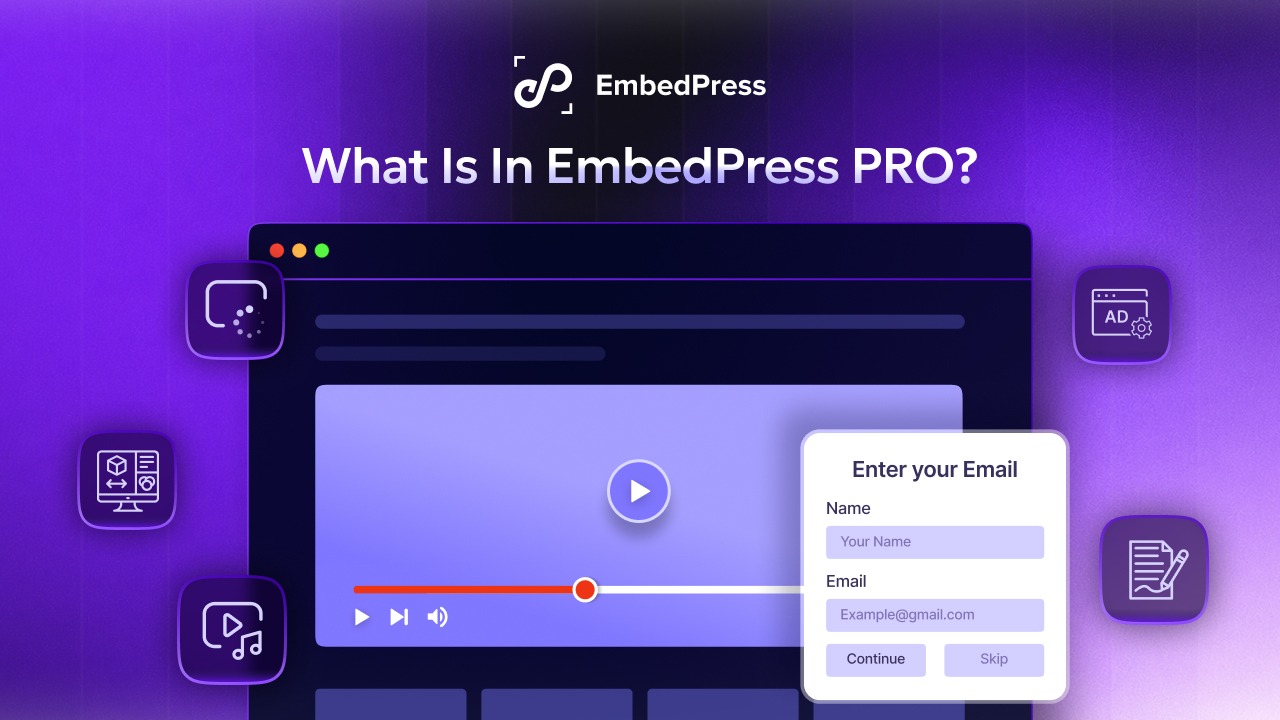
This guide answers that question in full. We will walk through every major EmbedPress PRO feature, explain what each one does, and show practical use cases for bloggers, agencies, online educators, and business websites. By the end, you will know exactly what EmbedPress PRO unlocks and whether it fits your workflow.
TL;DR: EmbedPress PRO at a Glance
| Category | What EmbedPress PRO Adds |
| Branding | Custom branding, white labeling, and ad placement inside embedded content |
| Video Controls | YouTube end time, autoplay, forced captions, and modest branding, plus Vimeo loop and auto pause, DailyMotion logo control, and Twitch chat |
| Audio Controls | SoundCloud buy and download buttons |
| Document Embedding | Toolbar on/off, print and download controls, drawing tools, and text copy protection for PDFs |
| Social Feeds | Instagram profile image, feed tabs, and hashtag follow buttons |
| Content Protection | Restrict downloads, disable right-click, and protect embedded files from unauthorized use |
| Calendars and Scheduling | Embed Calendly and Google Calendar with custom event and calendar selection |
| Lazy Loading | Faster page speed through optimized loading of embedded media |
| Pricing | Plans start at 55 dollars a year for one site, with business and lifetime options available |
What Is EmbedPress And Why It Matters for WordPress Sites
Before diving into PRO features, it helps to understand what EmbedPress actually does and why thousands of WordPress users rely on it daily.
EmbedPress, the popularWordPress embedding plugin lets you embed content from more than 250 sources directly into your posts and pages. This includes YouTube and Vimeo videos, Spotify and SoundCloud audio, Instagram and Twitter feeds, Google Docs and Sheets, PDFs and live streams from platforms like Twitch. Instead of pasting a plain link that turns into an ugly preview, EmbedPress renders the content natively inside your page, styled to match your site.
The free version of EmbedPress already handles most basic embedding needs. You can drop in a YouTube link or a PDF file and have it display properly without writing any code. For many casual bloggers, that may be enough. However, once a website starts to scale, free features often fall short of what businesses, agencies, and content creators need.
EmbedPress Free vs PRO: A Side-by-Side Comparison
This section breaks down the core differences between the free and PRO versions so you can see exactly where the upgrade adds value.
The free version covers the basics of embedding across 250+ sources. Many controls people assume are paid already ship in the free plugin, including iframe customization, the shortcode generator, social sharing, custom video and audio players, modular control, and embedding any post or page. PRO adds four global features on top: custom branding, custom ads, content protection, and lazy loading. Beyond those, most of the PRO value comes from a handful of advanced controls per source, as the comparison table below shows.
In simple terms, the free plugin lets you put content on your page. EmbedPress PRO lets you control exactly how that content looks, behaves, and protects your brand once it is there.
| Category | Included in Free | PRO-Only Additions |
| Global features | Iframe customization, shortcode generator, social share, custom video and audio player, modular control, embed any post or page | Custom branding, custom ads, content protection, lazy loading |
| YouTube | API key, pagination, start time, progress bar color, fullscreen button, video annotations, related videos | End time, autoplay, forced captions, modest branding, channel ID, subscription text, layout, theme, subscriber count |
| Vimeo | Start time, autoplay, custom color, title, author, avatar | Loop, auto pause, DNT settings |
| DailyMotion | Start time, autoplay, mobile autoplay, mute, player controls, video info, mute on start | Show logo |
| Twitch | Live streaming, start time, autoplay, theme, fullscreen button, mute on start | Show chat |
| SoundCloud | Visual player, color scheme, autoplay, share button, comments, artwork, play count, username | Buy button, download button |
| Profile follow button, post counts, feed layout, columns, likes and comments, load more | Profile image, feed tabs, hashtag follow button | |
| Width, height, toolbar position, presentation mode, add text, rotation, properties, EmbedPress branding, 3D flip book | Toolbar on/off, print, download, drawing, text copy | |
| Calendly | Standard Calendly embed | Event types, scheduled events |
| Google Calendar | Calendar embedding | Google Auth JSON, caching time, calendar selection |
Global Features in EmbedPress PRO
These four PRO features apply across every source you embed rather than to a single platform.
Custom Branding And White Labeling
One of the most requested PRO features is custom branding. This section explains what it includes and who benefits most from it.
With custom branding, you can remove or replace third-party logos and watermarks that typically show up on embedded players. Agencies that build websites for clients often need this feature so that the embedded media looks like a native part of the client’s brand rather than a borrowed widget from another platform. If you run a course platform or membership site, custom branding helps keep visitors focused on your content instead of being redirected to the original source.
Custom Ads Inside Embedded Content
PRO also allows you to insert custom ads directly into your embedded video or audio players. This is particularly useful for publishers and content creators who want to monetize embedded media without relying solely on platform-native advertising. You control where the ad appears and what it promotes, which gives you more flexibility than waiting on YouTube or Vimeo ad revenue alone.
Content Protection
Content protection in PRO prevents unauthorized downloading or copying of embedded media, which matters for anyone distributing paid courses, premium PDFs, or proprietary video content. Combined with custom branding, this gives content creators more confidence that their material will not be easily lifted and reused elsewhere.
Lazy Loading
Lazy loading is a performance feature that delays loading embedded content until a visitor scrolls near it. This reduces the initial page load time, which is important since page speed is a known factor in both user experience and SEO performance. If your page has multiple embedded videos or PDFs, lazy loading prevents all of them from loading at once and slows down the page for every visitor.
Video And Live Streaming Controls in EmbedPress PRO
Video is one of the most embedded content types on the web, so EmbedPress has built an extensive set of PRO-only video controls. This section covers the specific options available for YouTube and other major video platforms.
YouTube Controls
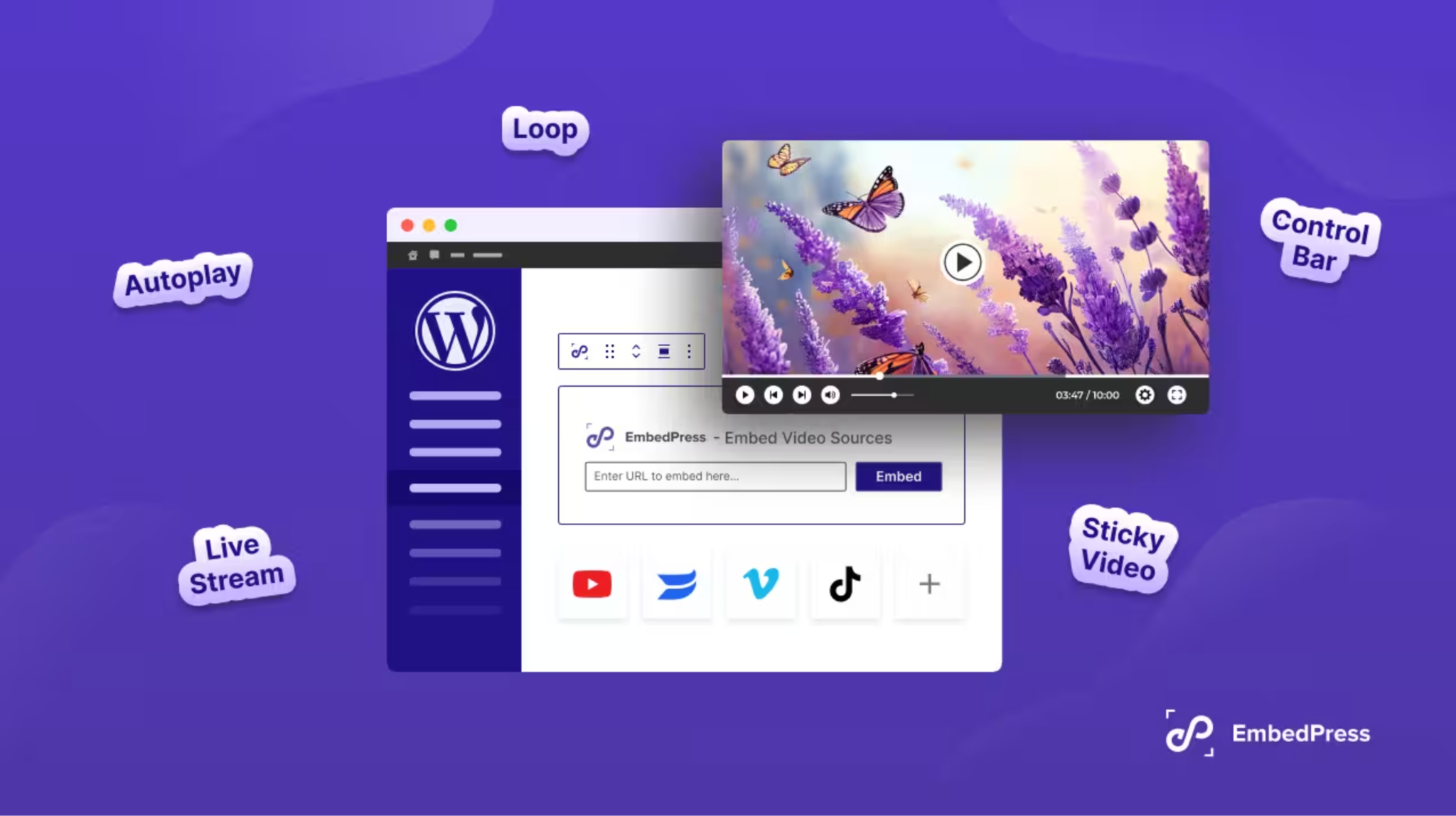
For YouTube embeds, the free version already covers pagination for channel feeds, a custom start time, and progress bar color. EmbedPress PRO adds a custom end time so viewers only see the relevant clip, autoplay, forced closed captions, modest branding to reduce YouTube’s own logo in the player, channel ID targeting, custom subscription text, layout and theme options, and subscriber count display. These controls matter for course creators who want students to watch a specific segment of a longer video, and for marketers who want a clean, on-brand video experience without YouTube’s default clutter.
Vimeo Controls
Vimeo embeds follow the same split. Start time, autoplay, custom player color, and title, author, and avatar display are free, while PRO adds loop, auto pause, and Do Not Track settings. Vimeo is popular among creative professionals and businesses that want a more polished, ad-free video experience, so these controls help maintain that professional feel directly on your website.
DailyMotion And Twitch Controls
Beyond YouTube and Vimeo, EmbedPress PRO extends similar customization to other video and live streaming platforms. On these platforms, the free version covers most settings and PRO adds one control each.
DailyMotion embeds already support start time, autoplay, mobile autoplay, mute settings, player controls, and video info display in the free version. PRO adds one extra control, the option to show or hide the DailyMotion logo. Twitch follows the same pattern: live streaming embeds, start time, autoplay, theme, fullscreen button, and mute on start are free, and PRO adds the option to display the live chat beside the stream. If your business hosts live product demos, gaming content, or webinars on Twitch, these controls let you embed the stream directly on your site instead of sending traffic away to Twitch itself.
Audio Controls in EmbedPress PRO
EmbedPress embeds audio from sources such as SoundCloud and Spotify, and the free version already includes a custom audio player. For SoundCloud, the free controls cover the visual player, color scheme, autoplay, share button, comments, artwork, play count, and username display. PRO adds buy and download buttons, which matter for musicians, podcasters, and labels who want listeners to purchase or save a track from your page instead of leaving for SoundCloud. EmbedPress PRO plans also list dedicated Spotify controls.
PDF And Document Controls in EmbedPress PRO
Many businesses embed PDFs for brochures, reports, contracts, or downloadable guides. This section explains how EmbedPress PRO transforms basic PDF embedding into a fully controlled document viewer.
The free version already goes well beyond simple PDF embedding, with custom width and height, toolbar position, presentation mode, text addition, rotation, document properties, EmbedPress branding options, and the 3D flip book viewer. PRO adds the controls that decide what visitors can do with the file: turning the toolbar on or off, allowing or blocking print and download, drawing tools, and text copy protection.
The 3D flip book viewer deserves special attention, and it is included in both the free and PRO versions. It transforms a static PDF into an interactive, page-turning experience that mimics flipping through a physical magazine or catalog. This is especially useful for businesses in real estate, publishing, education, and retail that want to present brochures, lookbooks, or course materials in a more engaging format than a flat PDF link.
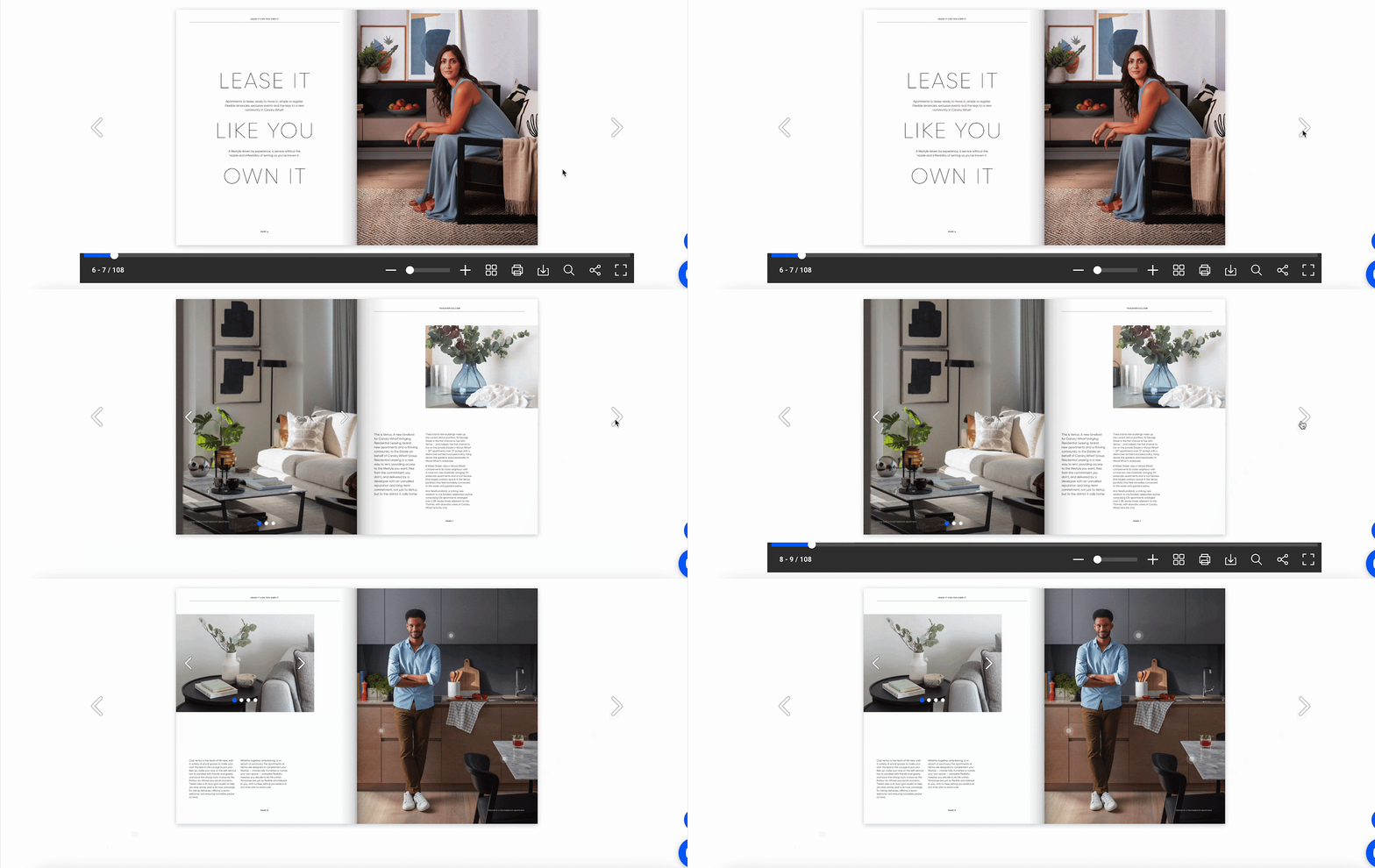
Document protection is equally important for businesses that share sensitive materials. By disabling print and download options, you can let visitors view a PDF on your site without giving them an easy way to redistribute it elsewhere.
Social Feed Controls in EmbedPress PRO
Social proof plays a major role in conversion rates for many websites. This section looks at how EmbedPress PRO expands what you can do with embedded social feeds.
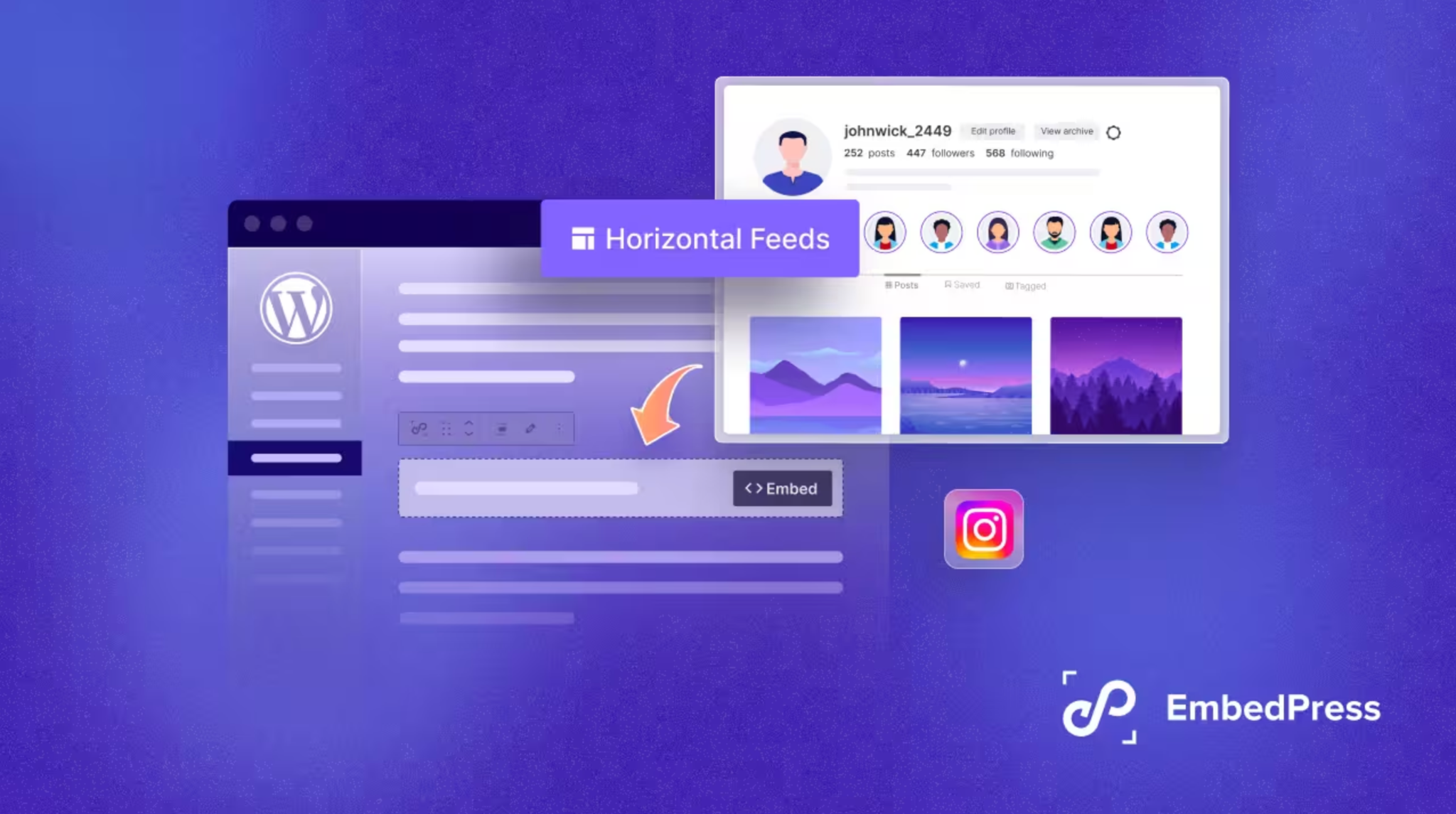
For Instagram, the free version already covers the profile follow button, post counts, feed layout, columns, likes and comments display, and load more. PRO adds profile image display, feed tabs, and hashtag follow buttons. Together, these let you build a fully customized Instagram wall on your homepage that updates automatically and matches your site’s design, rather than a generic embed that looks out of place.
EmbedPress also embeds posts and feeds from Facebook, X, and LinkedIn, and those embeds work in the free version. Instagram is the social source where PRO adds extra controls. These social controls matter most for businesses that rely on visual proof of engagement, such as restaurants, fashion brands, event organizers, and influencer-driven websites. A well-designed, live social feed can keep visitors on your site longer and reinforce trust before they make a purchase or sign up.
Calendar And Scheduling Controls in EmbedPress PRO
Scheduling tools have become a standard part of modern business websites. This section covers what EmbedPress PRO offers for Calendly and Google Calendar integration.
With Calendly, PRO unlocks event type selection and scheduled events display directly inside your embed. Embedding a Google Calendar works in the free version, and PRO adds Google Auth JSON connection, custom caching time, and the ability to select specific calendars to display. This is useful for coaches, consultants, agencies, and service-based businesses that want clients to book appointments without leaving the website, while also showing a live calendar of availability or upcoming events.
How to Get Started with EmbedPress PRO
Getting started involves a straightforward process that most WordPress users can complete in minutes. Here is a quick overview of the steps involved.
Step 1: Choose Your EmbedPress PRO Plan
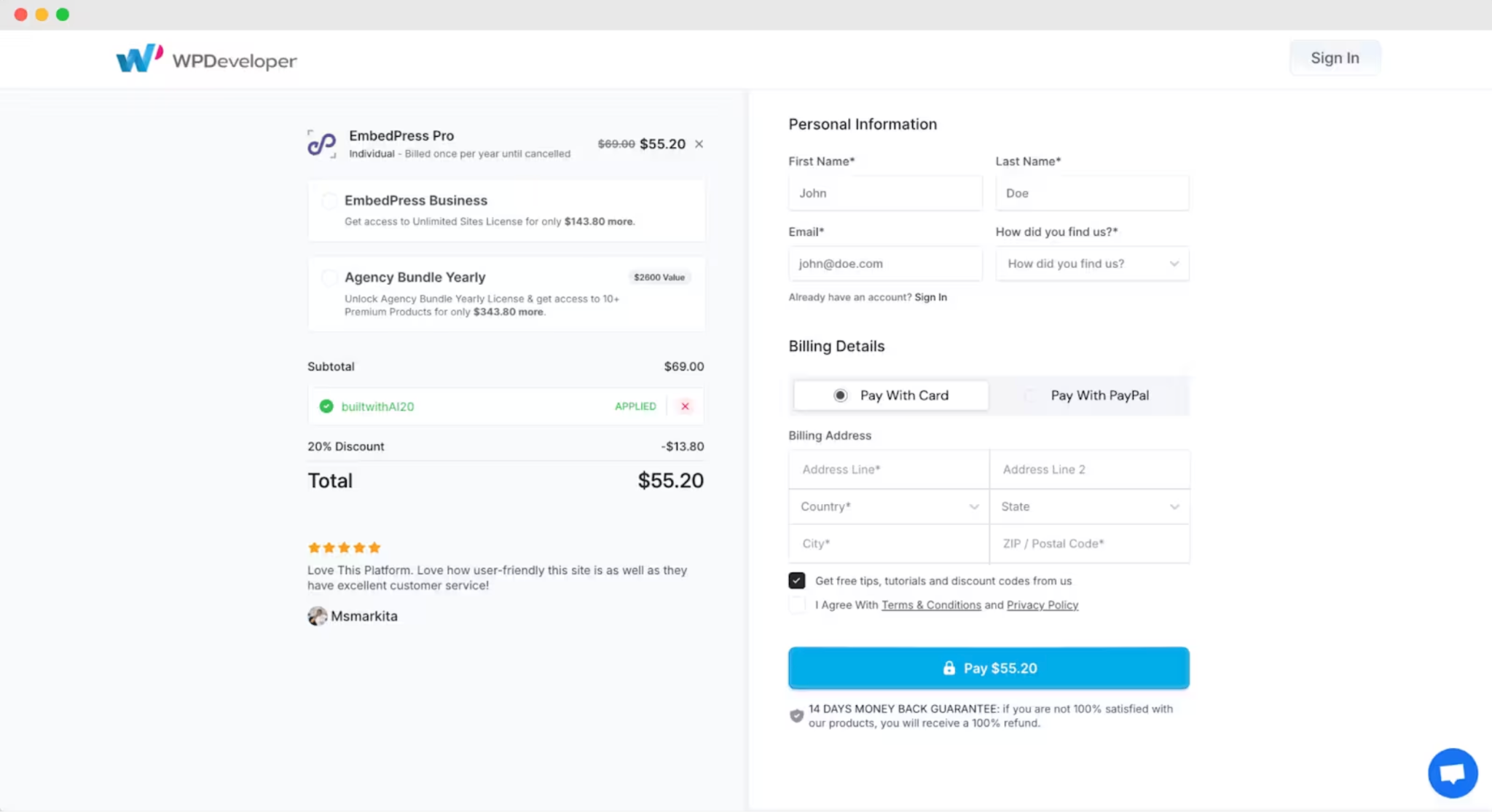
Open the EmbedPress pricing page and pick the plan that fits how many sites you manage: Individual for a single site, Business for unlimited sites with yearly billing, or Lifetime Unlimited for a one-time payment. Then complete the checkout with your preferred payment method.
Step 2: Download the PRO Plugin
After payment, you land on the Purchase Confirmation page. Download the EmbedPress PRO zip file from the Products section and keep your license key handy for step 4.
Step 3: Install and Activate EmbedPress PRO
EmbedPress PRO runs on top of the free plugin, so make sure the free version is installed and active first. Then go to Plugins → Add New Plugin → Upload Plugin in your WordPress dashboard, choose the PRO zip file, click Install Now, and activate it.
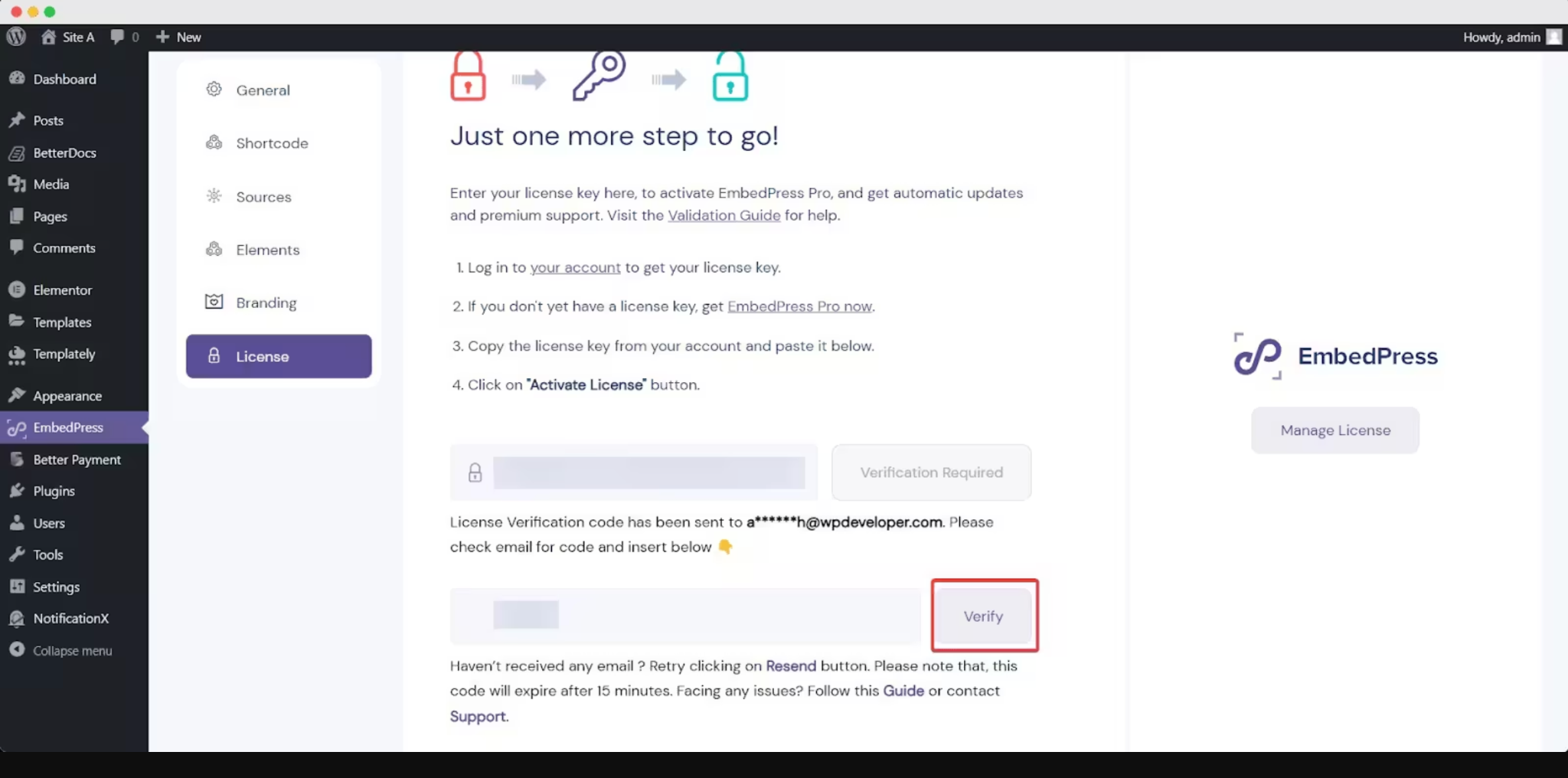
Step 4: Activate And Verify Your License
Go to EmbedPress → License, paste your license key into the field, and click Activate License. EmbedPress then emails a verification code to the address you used for the purchase. Enter that code in the verification field to finish.
Step 5: Configure the PRO Features
Start with the global features, such as custom branding and content protection, in the EmbedPress settings. Then open any EmbedPress block or widget to fine-tune the source-specific controls for the content you embed most often, such as YouTube, PDFs, or Instagram feeds.
To know more check the detailed documentation.
Make Your Website More Powerful with EmbedPress PRO
EmbedPress PRO extends the free plugin from a basic embedding tool into a complete content presentation and protection system. Whether you need custom branding for client work, advanced PDF protection for paid courses, or deeper social feed customization for marketing, PRO covers a wide range of practical use cases across nearly every type of embedded content.
If you are currently using the free version and finding yourself wishing for more control over how your embedded content looks or behaves, it may be time to explore what PRO has to offer. You can compare the full feature breakdown and current pricing on the official EmbedPress website before making a decision.
Do not forget to subscribe to our blogs and join our community for more helpful WordPress tips and tricks.