Every successful website needs to share engaging videos, high-quality audio and helpful documents with its audience. However, dropping these heavy media files directly into your WordPress media library is a common trap that slows down your business growth. This technical decision brings us straight to the critical web design debate of embedding vs uploading content for your site.
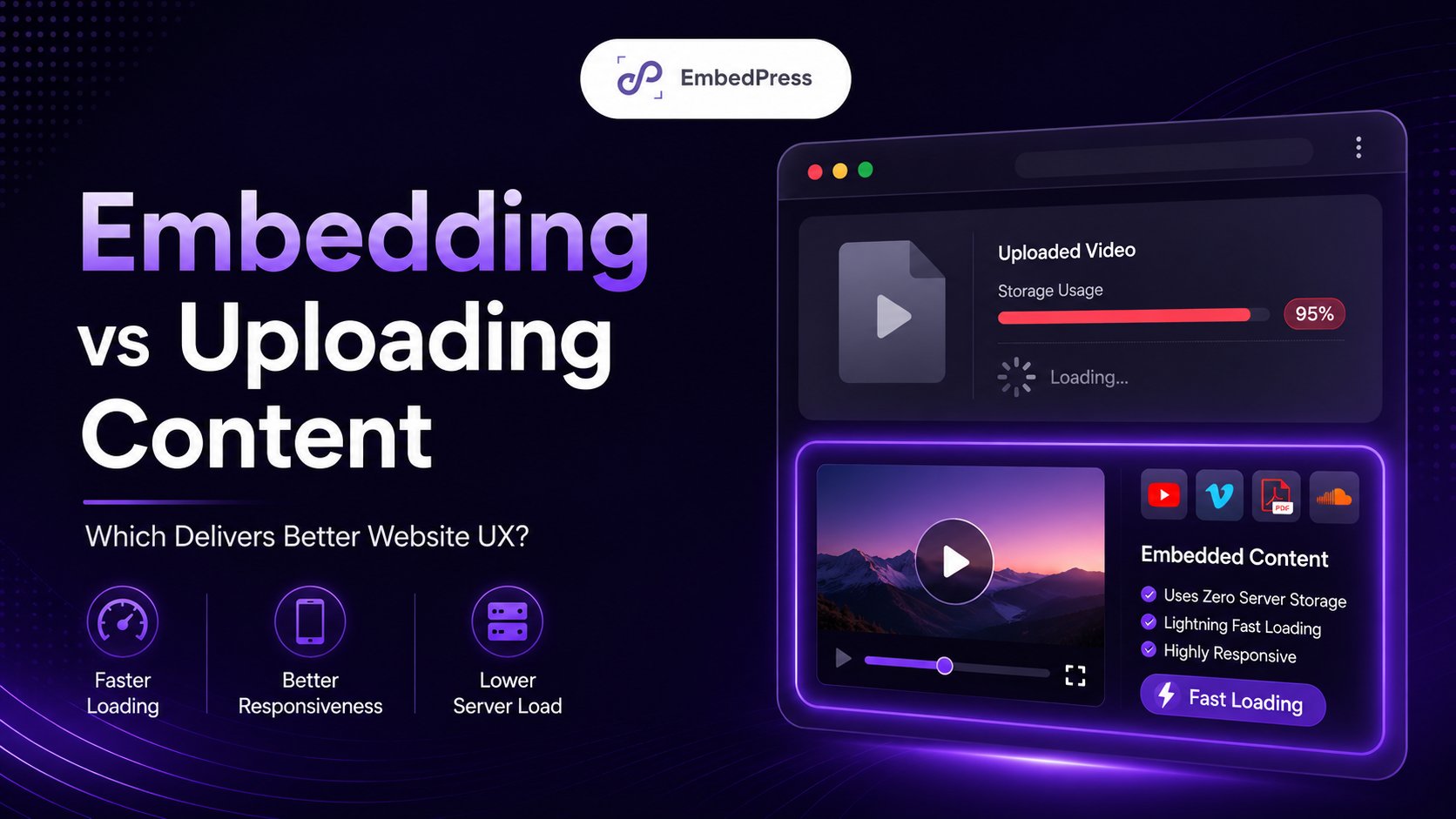
Your final choice in this matter will completely change how your audience experiences your brand online. Storing massive files on your own hosting server can easily damage your loading speed, ruin your layout on mobile devices and cause your website to crash. Let us look at the hidden user experience advantages of choosing the smart way to handle your media content.
📊 Quick Summary: Uploading vs Embedding Content
To help you make the best decision for your website, let us look at a quick comparison. This simple table shows why the debate of embedding vs uploading content matters so much for your user experience.
| Feature | Uploading Directly | Embedding with EmbedPress |
| Loading Speed | Slows down pages | Keeps pages lightning fast |
| Server Storage Impact | Consumes massive space | Uses zero server storage |
| Mobile Responsiveness | Often breaks layouts | Scales perfectly on all screens |
| Layout Control | Very limited options | Full custom styling features |
As you can see, choosing to embed media in WordPress is the better method applicable to almost every situation. It protects your resources and delights your visitors at the same time.
⚡ The Speed Factor: How Media Choice Affects Your Visitors
When you look at embedding vs uploading content, you must think about your server load. Uploading a single high-definition video directly to your site creates a massive file that your host must process. Every time a visitor clicks on that page, your server has to push that huge file to their web browser.
If five or ten people try to watch that video at the exact same time, your website will quickly slow down to a crawl. This is why WordPress site speed is the actual foundation of modern user experience. People expect websites to load in less than two seconds today.
If your website takes too long to load because of an uploaded file, your visitors will simply click away. They will go to a competitor whose website loads instantly. You cannot afford to lose potential customers just because of a slow page.
When you embed media in WordPress instead, you completely avoid this speed issue. The heavy media files live on external servers like YouTube, Vimeo or SoundCloud. These massive platforms are built specifically to handle billions of video views at the same time.
Your website only has to load a tiny piece of code instead of a giant multi-megabyte video file. This simple change keeps your pages lightweight and responsive. Protecting your WordPress site speed should always be a top priority for your brand.
In the discussion of embedding vs uploading content, embedding wins the speed round easily. It ensures that your website remains fast even if your pages are full of rich media files. Your visitors will enjoy a seamless browsing experience without any annoying lag.
🎨 The Design Factor: Keeping Layouts Clean And Responsive
The visual appearance of your media players matters just as much as your page speed. When you upload a video or audio track directly to WordPress, the site uses a generic default player. These default media players often look very old, boring and unprofessional.
They do not match your beautiful brand colors or your sleek website design style. Even worse, default uploaded players often fail to scale properly on modern mobile screens. A video player that looks fine on a desktop computer might break your entire layout on a smartphone screen.
You can easily improve website UX by choosing modern embeds instead of raw uploads. When you embed content, you use players that are designed by world-class developers to look great anywhere. They automatically adjust their size to fit perfectly on any smartphone, tablet or laptop.
A clean and responsive design builds immediate trust with your website visitors. It shows them that you care about quality and professional presentation. When you look at embedding vs uploading content, embedding gives you much better visual control over your pages.
You can use custom styling features to hide boring player controls or change the button colors to match your theme. This keeps your design perfectly consistent across your entire website. Your visitors will never feel distracted by an ugly or broken layout.
When you choose to embed media in WordPress, you open up a world of beautiful design possibilities. You can create neat video galleries, stylish podcast cards or interactive documents. This is a simple and effective way to improve website UX without writing a single line of complex code.
💾 The Storage Factor: Protecting Your Server Resources
Every WordPress website sits on a hosting server that has strict resource limits. These limits include your total storage space and your bandwidth allowance. Uploading massive media files will consume your precious storage space very quickly.
If you run out of server space, your website might stop working completely. Even worse, if too many people download an uploaded PDF or video at once, you might exceed your bandwidth limit. Your hosting company might shut your website down or charge you heavy penalty fees.
This serious risk is why the choice of embedding vs uploading content is so critical for business owners. You do not want your website to crash right during a major product launch or a holiday sale traffic spike. You need a setup that is safe, reliable and perfectly stable.
When you choose to embed media in WordPress, those external platforms do all the heavy lifting for you. When a user plays a video, they are using YouTube bandwidth – not your private server bandwidth. Your website stays perfectly safe and fast even during massive traffic spikes.
This clever method saves your server resources for things that actually matter, like processing checkout carts and database queries. It protects your hard-earned money by keeping your monthly hosting bills low. You do not need to buy expensive enterprise hosting plans just to share a few basic videos.
Understanding the core differences of embedding vs uploading content helps you build a more stable online business. It gives you peace of mind knowing that your website can handle thousands of visitors at once. It is the most secure way to run a modern media-rich website.
🛠️ The Ultimate Solution: Managing Everything with One Plugin, EmbedPress
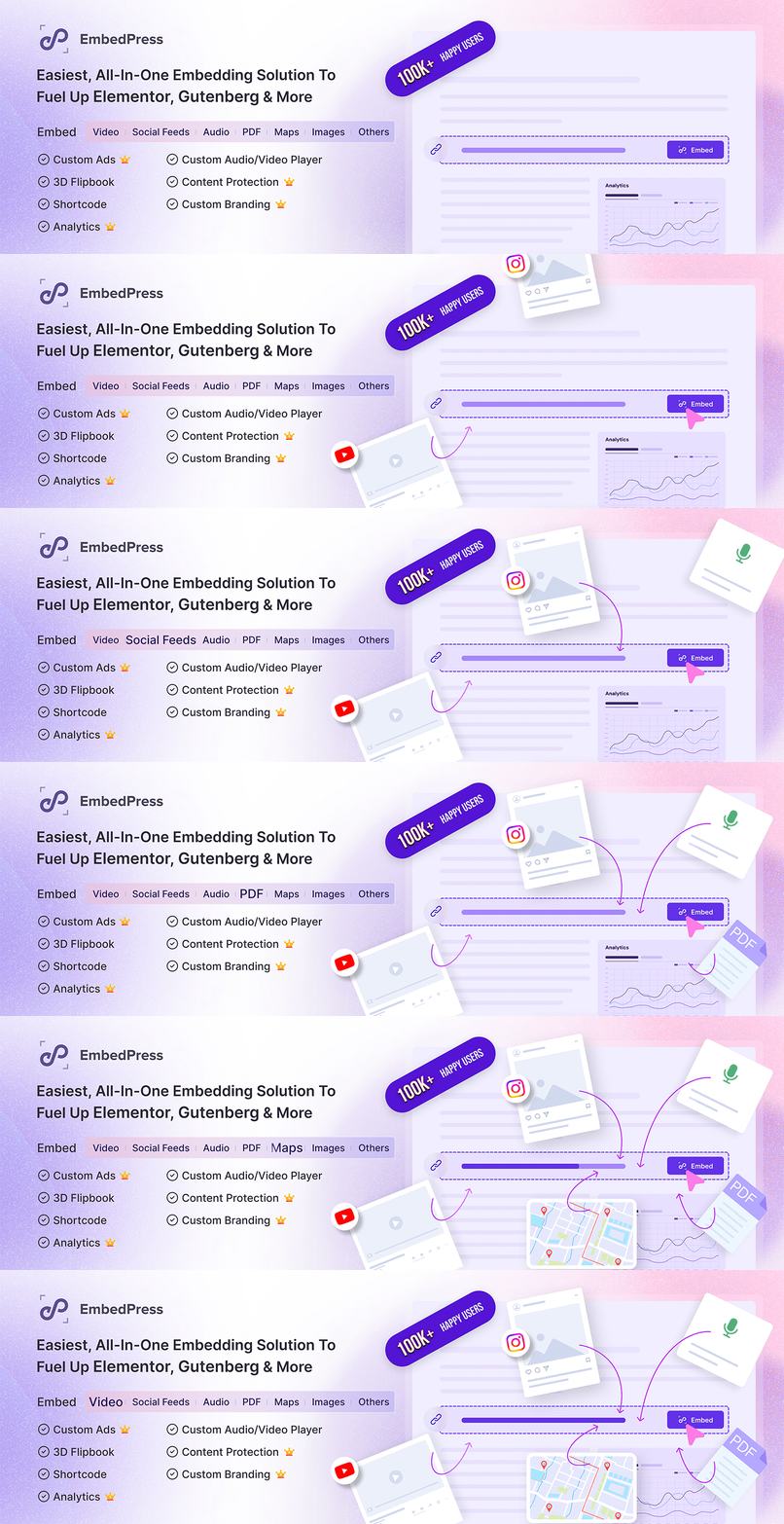
Now that you understand the hidden UX benefits, you need an easy way to manage your embeds. You do not want to deal with messy code snippets or confusing manual settings every time you edit a post. This is exactly where a powerful tool becomes your best friend.
EmbedPress is designed to be the ultimate all-in-one embed plugin for the WordPress ecosystem. It allows you to effortlessly share over 250 different types of content by simply pasting a web link. You can embed YouTube videos, Spotify tracks, Google Maps, PDF documents and much more using a block or widget, whether you are using Gutenberg, Elementor or any other editor.
By using this all-in-one embedding solution, you can easily improve website UX while keeping your website extremely fast. You do not need to install ten different plugins for ten different content sources. EmbedPress handles everything smoothly under one hood to prevent backend plugin bloat.
The plugin also gives you advanced features like custom player branding, lazy loading and interactive overlays. This means you can protect your WordPress site speed while still displaying highly engaging content to your audience. It gives you the perfect balance of top performance and beautiful presentation.
When you compare the reality of embedding vs uploading content, the combination of EmbedPress and external hosting wins every time. It saves you hours of technical work and protects your server from crashing. It allows you to focus on creating amazing content for your community instead of worrying about server limits.
Using an all-in-one embed plugin is the smartest choice for any modern digital marketer or web designer. It gives you total control over your multimedia strategy without overloading your database. Your website will stay clean, fast and highly professional for years to come.
❓ Frequently Asked Questions
We know you might still have a few questions about how embedding vs uploading content affects your daily workflow. Here are some simple and clear answers to help you build a better website.
Does embedding media lower the visual quality of my videos?
How does embedding help my search engine optimization?
Is it difficult to switch from uploading to embedding?
Can I still protect my private content if I embed it?
✨ Upgrade Your Website Experience Today
Choosing between embedding vs uploading content is one of the most important technical decisions you will make for your brand. Uploading massive media files directly to your media library creates severe server lag and ruins your layouts. It frustrates your visitors and might cause your website to crash during busy hours.
Embedding your multimedia content keeps your website incredibly lightweight, fast and responsive. It allows external enterprise servers to handle the heavy technical work while you enjoy a beautiful website layout. It is the absolute best way to keep your audience happy and engaged.
Are you ready to optimize your website performance the smart way? Download EmbedPress today to easily unlock the power of a modern embedding workflow. Do not forget to join our Facebook community to share your experience and connect with other modern creators! You can also subscribe to our blogs for valuable tutorials, guides, knowledge, tips and the latest WordPress updates.